
In this guide, we are going to find how to use shapes.inc API keys to interact with "shapes" in Telegram.
About shapes.inc
Shapes, Inc. is a technology company specializing in the development of AI-powered social agents, known as "shapes," designed to seamlessly integrate into users' digital social environments. These agents facilitate natural, human-like interactions across platforms such as Discord and X (formerly Twitter), participating in conversations, sharing media, and engaging in roleplay scenarios.
Initially, Shapes, Inc. gained traction through its integration with Discord, where users could interact with AI agents within their communities. However, due to policy violations, Discord terminated their service, prompting the company to pivot. In response, Shapes, Inc. introduced a standalone web-based platform and an API, enabling integration with other messaging platforms like Telegram. This transition allows users to create and manage their AI agents directly within Telegram, leveraging the Shapes API for seamless interaction.
Sections of Article
This article will consist of below sections.
- Obtaining API key from shapes.inc
- Using the shapes.inc's Telegram Bot
- Adding API key to telegram
- Adding a character to telegram bot's index
- Letting telegram bot roleplay as the shape
Obtaining API from shapes.inc
To obtain the API key from shapes.inc, follow the steps below.
- Go to https://shapes.inc/developer
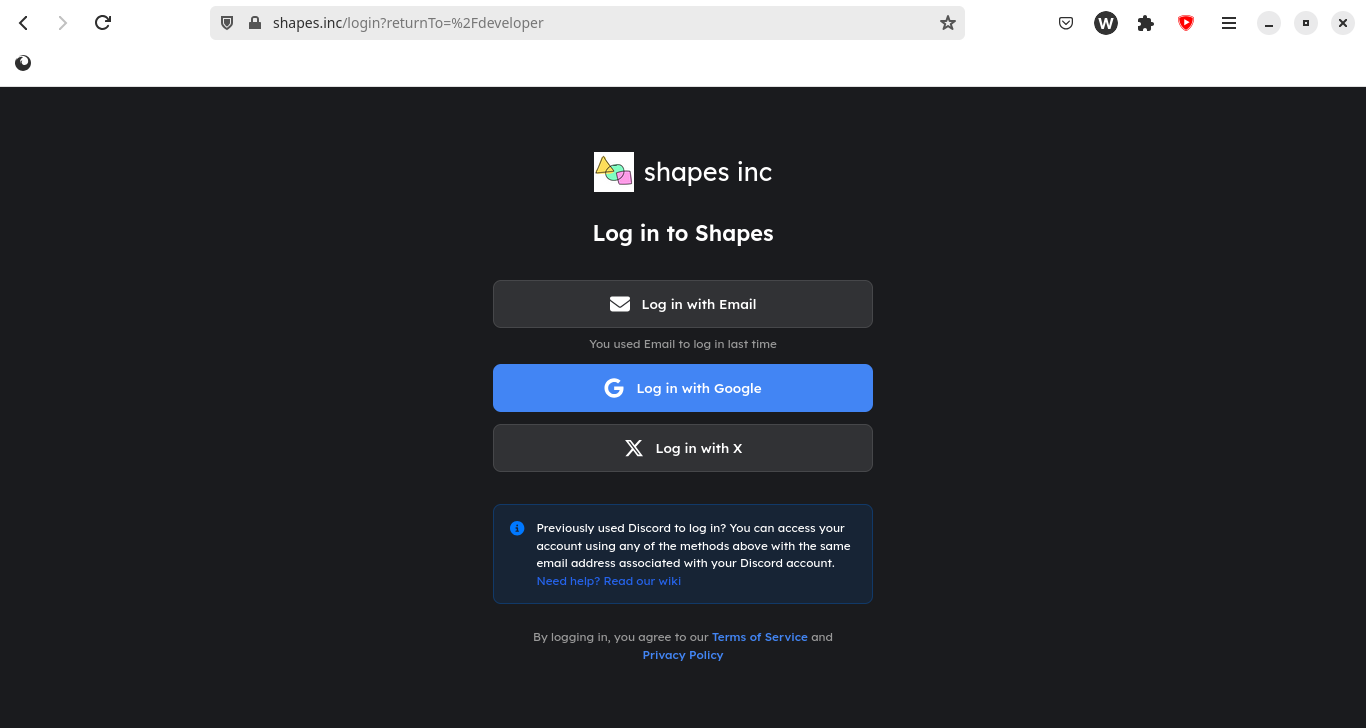
- if it shows a screen prompting you to login, like this, please do so
- After logging in, you will see a screen like this...
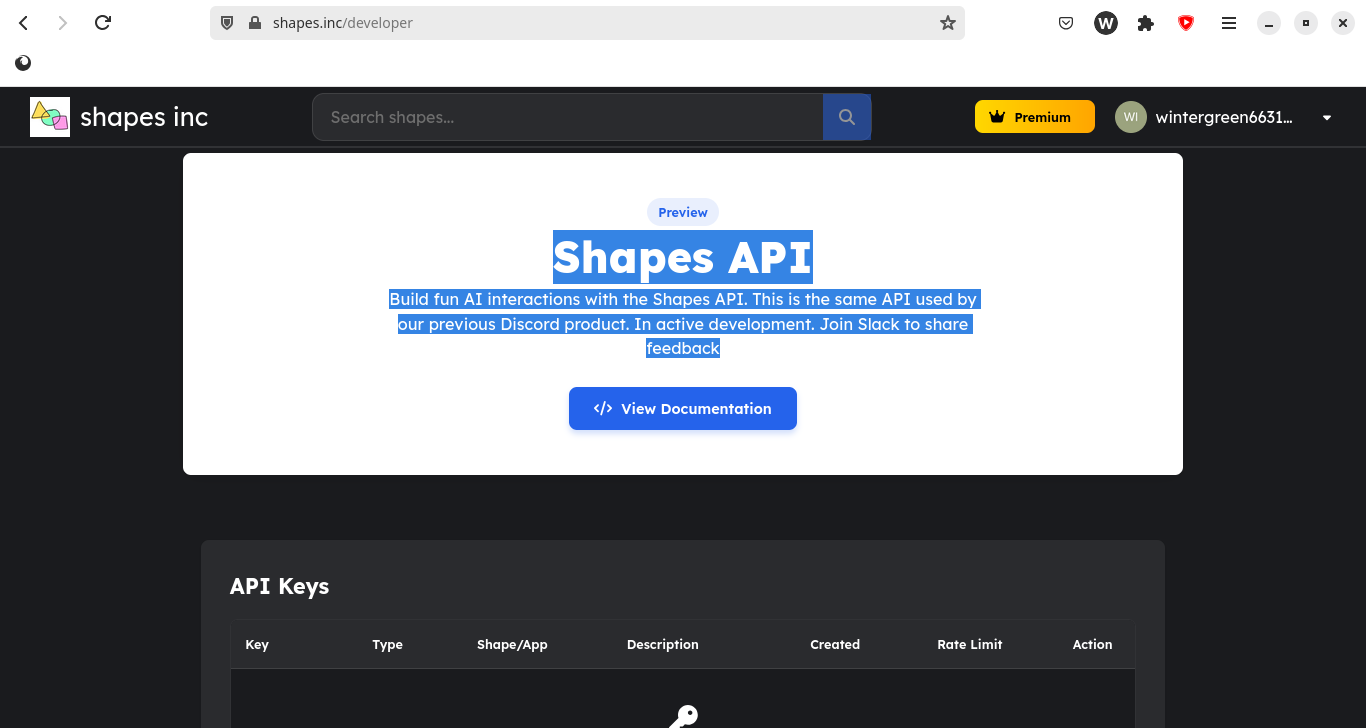
- In this screen, scroll down until you see a screen like this
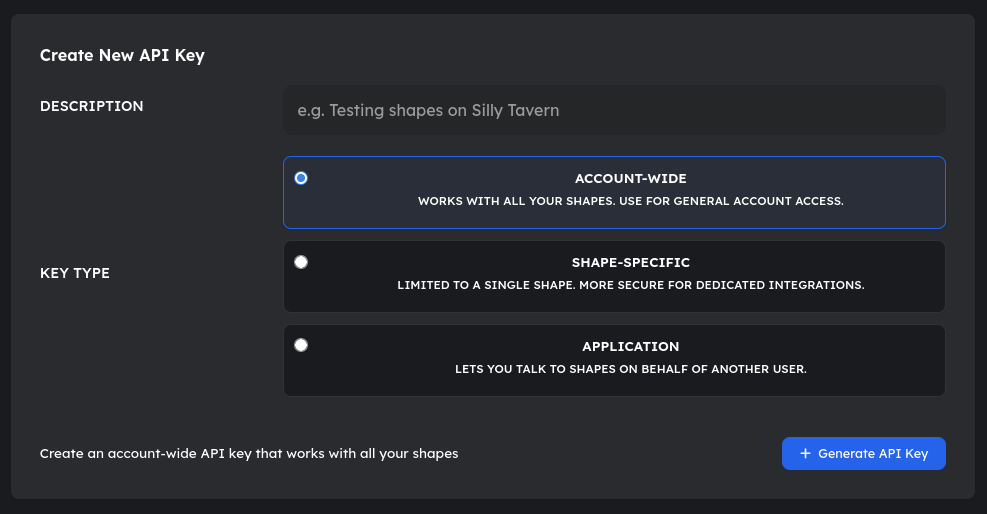
- Here, for the description, type something like "Testing shapes on Telegram" or "Using shapes on telegram" and keep the key type as Account-wide. After that, you should press the Generate API key.
- After pressing the generate API key, the page will reload. then, you should scroll down until you see something like this.
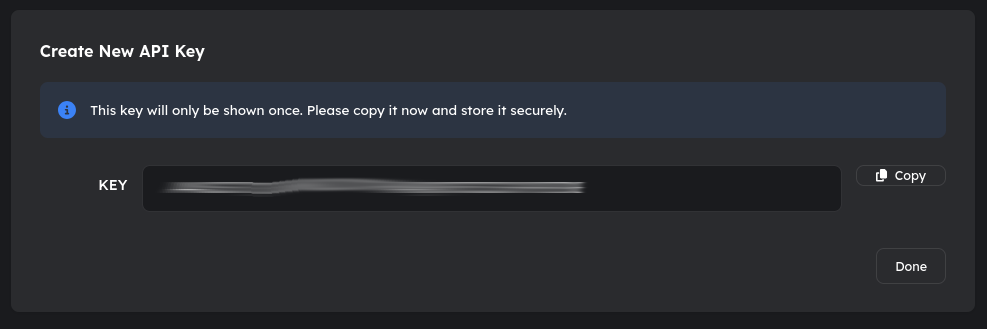
- You should copy the key and keep it safe for future use.
Using the shapes.inc's Telegram Bot
- Open your telegram client and DM @Shapes_Inc_Bot
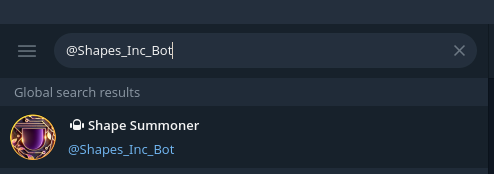
- You should start the bot

Adding API key to telegram
- There, you should type
/register
- Then, you should type the API key you got from the website before
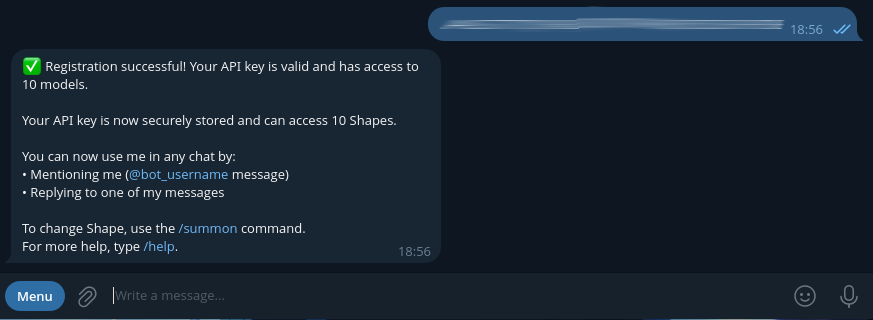
Adding a character to telegram bot's index
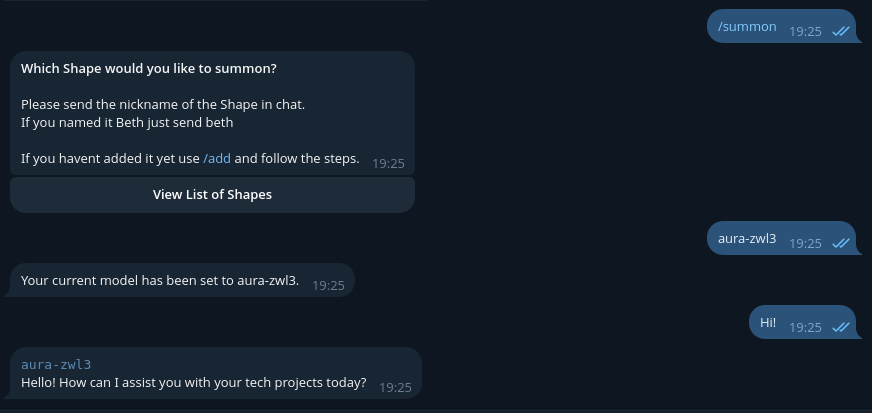
After giving your API key to the bot, you can type /summon and type the shape's name/shape's vanity name.
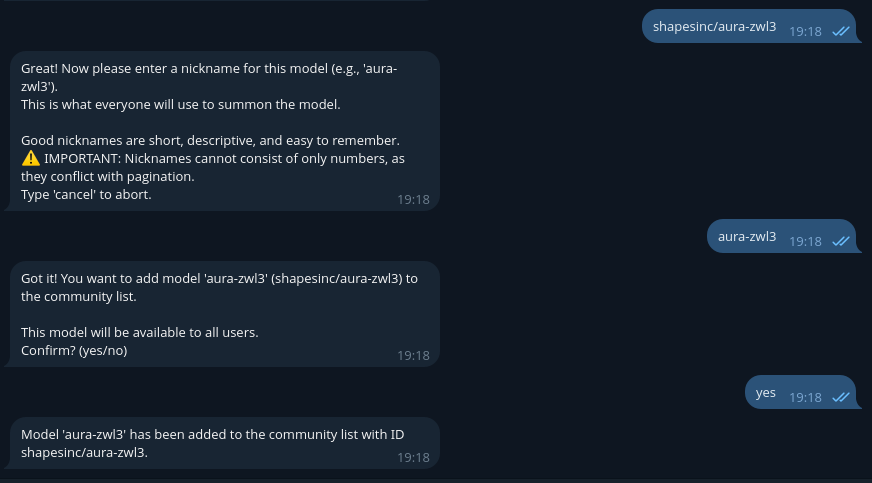
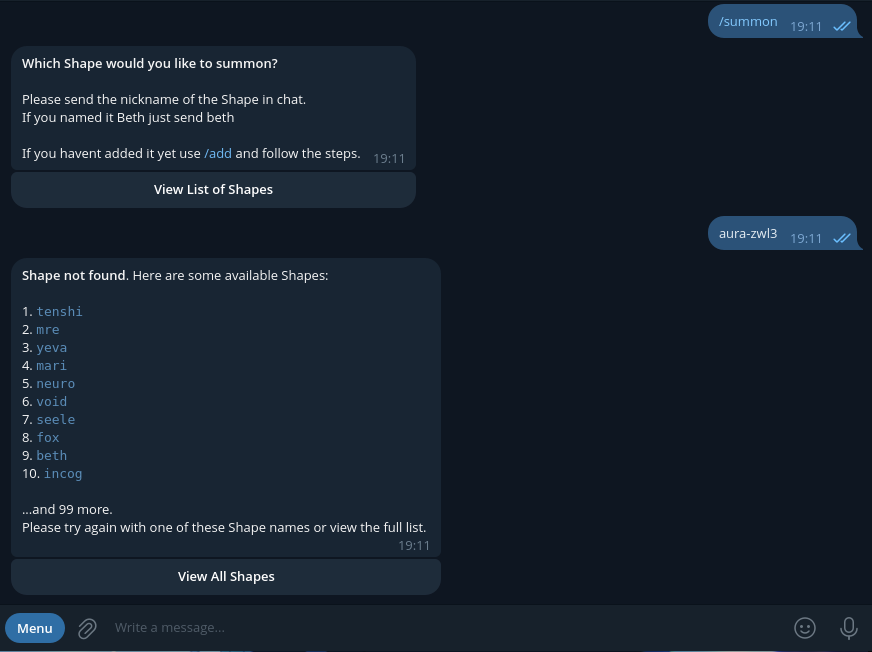 If it says Shape not found, like below... then you have to add the shape yourself. To do that, you need to type
 cancel (to cancel current added shape search) then /add 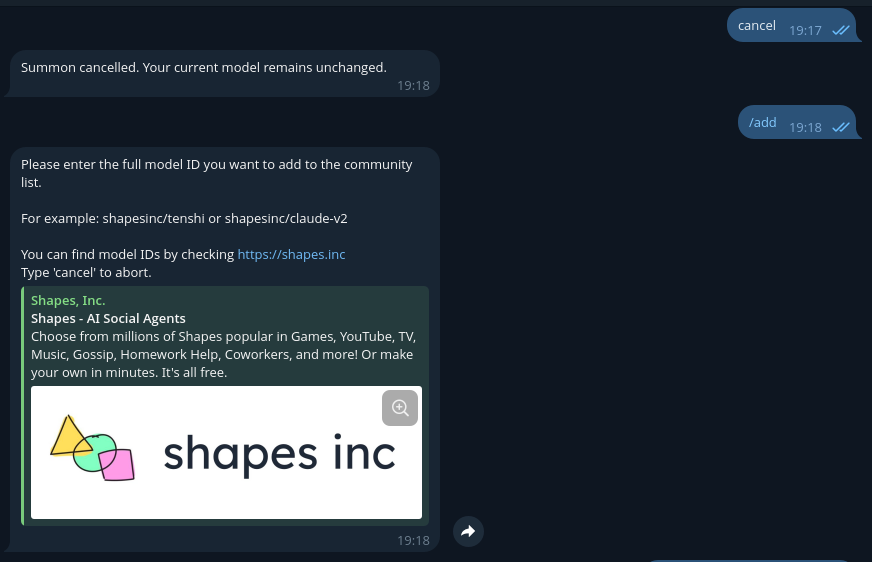 Then, you need to type your model's vanity name as
 shapesinc/your-vanity-name. then add its nickname as your-vanity-name, then type yes.
Letting telegram bot roleplay as the shape
you can type /summon, then your shape's name. After that, you can see the bot is taking the role of shape.
 That's it for now! Happy messaging!
Note: The API has a rate limit of 5 requests per minute. While this may be okay for a single user project, it would be better to have multiple keys for multi-user projects.
(shape's credit goes to @Cheth)

Comments
Loading comments…